How to Check Your Digital Ring Proof Before You Approve It
By Burtay Eray Dinçel ·
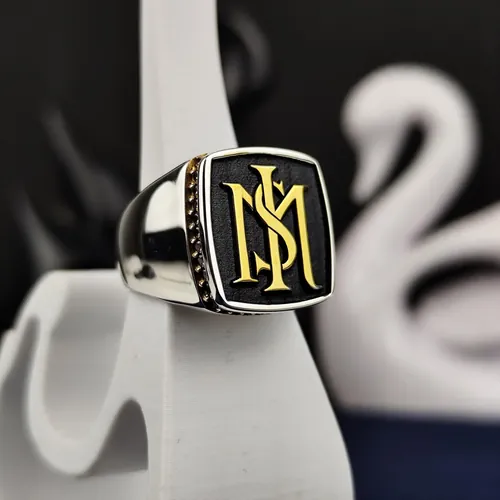
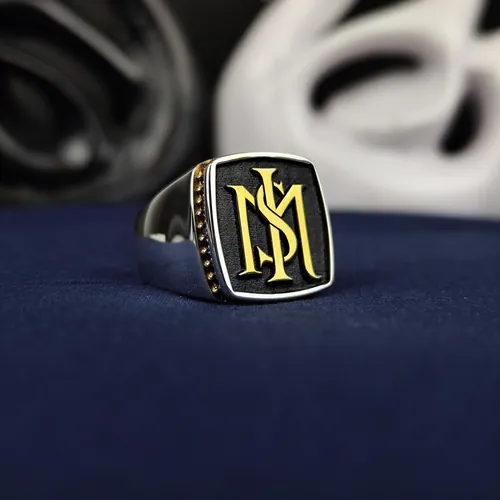
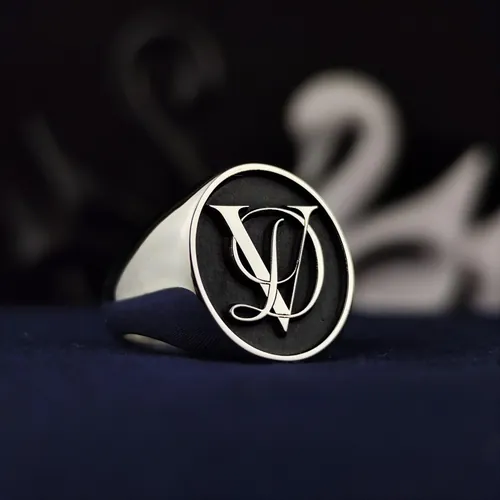
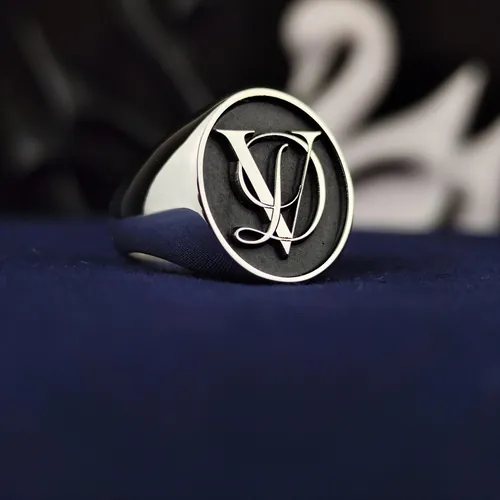
The digital proof is your chance to check how the artwork sits on the ring face. Open it next to your original reference and your order details. Production starts after approval, so use the proof to ask for any changes you want to see.
Read every letter and number
Read the proof slowly, beginning at the first letter of the name, motto, or initials. Check accents, punctuation, and capitalization exactly as you submitted them. Dates and Roman numerals are worth reading digit by digit. If you ordered more than one ring, match each proof to the right person and ring.
Look at the artwork in its intended direction
Find the top of the ring face in the preview. If your design includes a directional symbol, such as an animal facing left, check its direction against your reference. For a ring intended to make a wax seal, ask to see how the finished impression is meant to read as well as how the engraving will look on the ring.
Judge the design at ring size
Zoom in to review the shape of fine details, then check how they look at the intended face dimensions. A line of text that looks clear on a large screen can be small on a ring. See how much space the outer border has and whether the letters are easy to read. If scale is hard to judge, ask for the face dimensions and a view you can compare against a ruler.
Request a specific change
A short, precise note helps us find the detail you mean. For example, “Please make the year smaller and give the crest a little more space above it.” If it helps, circle the area on the preview. Read the updated proof again when it comes back, then approve the version you want made.
Review how personalization works and see our guide to choosing a signet ring face size.
Keep reading
- What to Check Before Ordering a Custom Signet Ring
- What to Engrave on an Anniversary Signet Ring
- Can You Engrave a Handwritten Signature on a Ring?
Shop the collection: Custom Rings.